 Workbench
AMBIENT SCENES · SOURCE PREVIEW
A little life
in the background.
Clouds beyond a window. Leaves in a light breeze. A quiet scene for your desktop or your next presentation.
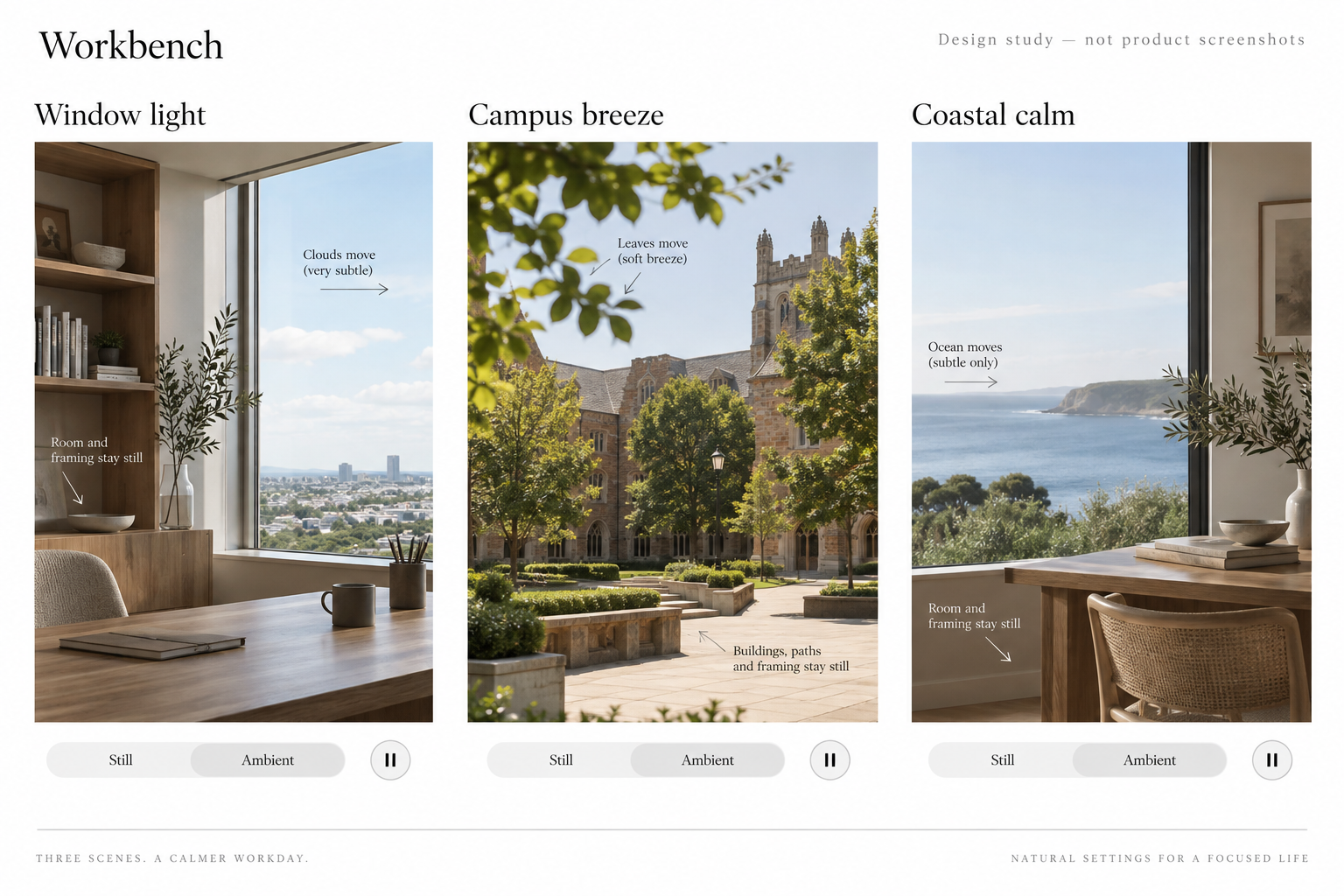
These are the bundled poster images for three native layered scenes. The native Mac presentation and iPhone Simulator editor have been checked. The signed Mac Preview is installed locally with the three starters. This change is not in the public download and has not been submitted to the App Store. See the evidence boundary.
A SMALL, CONSIDERED COLLECTION
Choose a place. Keep it yours.
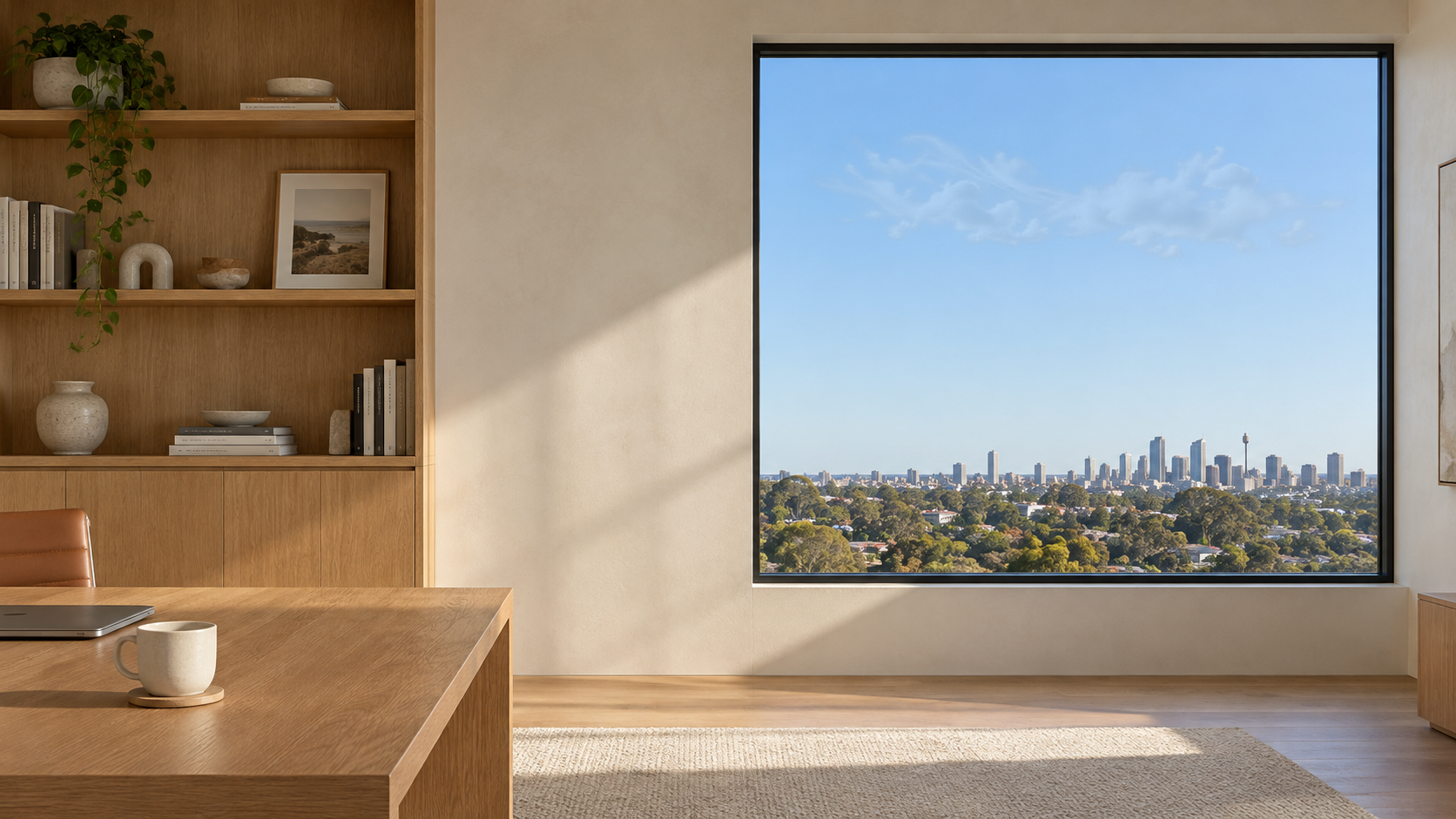
Window light
Clouds move beyond the window. The room and furniture hold still.
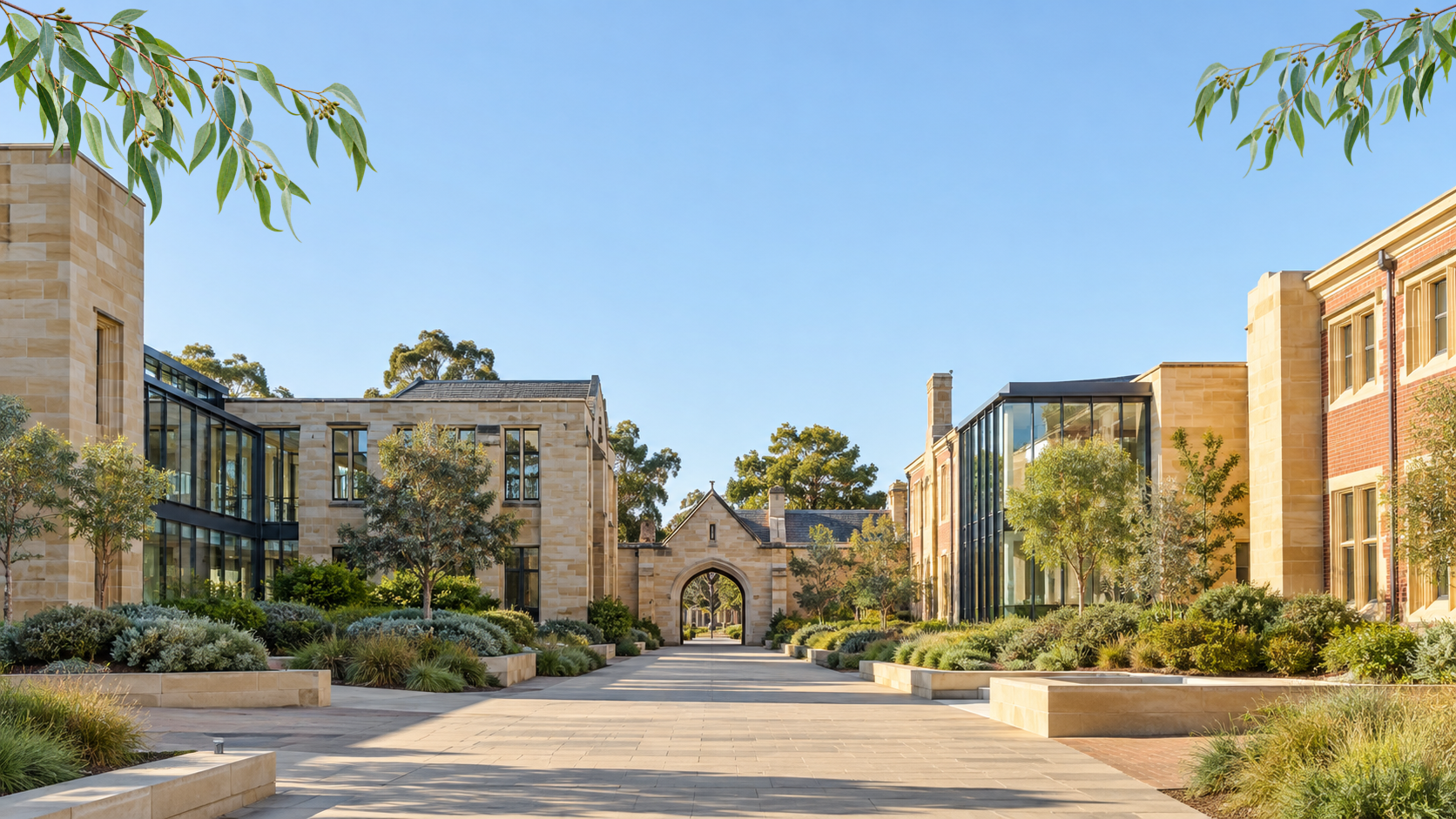
Campus breeze
A slight sway in the branches. The campus remains steady.

Coastal sky
Movement in the sky only. The water and coastline stay still.
Still posters from original generated artwork, not app screenshots or recorded nature videos. Workbench animates separate image details locally. These images alone cannot demonstrate playback.
Prefer your own photograph? Keep using it. Gentle photo motion adds the existing slow zoom, or leave it completely still. The new starters use localized motion instead; your device frame, logo and persona stay separate.
GET STARTED
A picture first. Your choice of use.
Mac: Open Present a device → Choose a starter. The three ambient starters begin with Device frame off. Use Present in window to preview movement, or More → Use as animated desktop. Enable Device frame when preparing a mobile demonstration.
iPhone or iPad: Tools → Scenes → Start with a picture. Choose a starter; Pause preview is beside Gentle motion. Saving an exported PNG to Photos gives you a still for Apple's Wallpaper picker.
These instructions describe the current source preview. Both apps need the new version to exchange an editable layered scene.
ONE PICTURE, DIFFERENT PLACES
Know what will keep moving.
| Where you use it | Motion in this source preview | What you keep |
|---|---|---|
| Mac presentation | Plays inside Workbench's presentation in the direct-download build. | An editable scene and a still export. The meeting app controls the audience's view. |
| Mac desktop | An explicitly started, app-owned layer while Workbench is open. Direct-download build only. | The applied still stays when motion stops or Workbench quits. |
| iPhone & iPad in Workbench | The selected visible scene preview animates. Pause/Play is available; crop editing and galleries stay still. | The scene and original pictures, saved locally. |
| iPhone & iPad wallpaper | Workbench exports a still. Choose the final wallpaper through Photos or Settings. | A still image. Workbench does not create a Live Photo or install a moving wallpaper. |
| Screen saver, Watch, TV or Vision Pro | No Workbench destination in this increment. | Apple's system features have their own supported formats and devices. |
The Mac desktop and a presentation are independent sessions. Ending a presentation should not end a separately started desktop layer. Still images remain useful without playback or cloud sync.
How this differs from Apple's wallpaper effects
Mac Dynamic wallpapers adjust with the time of day; aerials animate around lock and unlock. Neither is the same as Workbench drawing a local animated layer while it runs. Apple's Mac wallpaper guide.
On iPhone, eligible Live Photos can play on wake. iPadOS 26 also supports eligible Live Photo wake playback. Supported devices can offer spatial depth for eligible pictures. These are Apple's effects, not exported Workbench cloud or leaf motion. They do not make Workbench animate behind the Home Screen. iPhone Live Photos · iPadOS 26 Lock Screen · iPhone spatial wallpaper.
Saving to Photos and installing a wallpaper are separate steps. Follow Apple's Photos → Share → Use as Wallpaper route. This preview exports a PNG, with no video or Live Photo export.
RESEARCH → THREE PRIORITIES
Good framing. Clear ownership. Quiet motion.
- 01 · THE PICTURE
Make the crop work.
A few distinct scenes, space for your content and a preview at the right shape. Preserve the original when you make changes.
- 02 · THE DESTINATION
Make stopping obvious.
Say what persists and what needs the app open. Respect your later wallpaper choices. Keep presentation and desktop controls independent.
- 03 · THE EXPERIENCE
Let motion take a back seat.
Silent by default, easy to pause and still while cropping. No daily notifications or public content feed.
Our design conclusions from official product descriptions and selected App Store reviews, checked 15 September 2026. No competitor hands-on testing or energy benchmark was performed.
The products, praise and friction behind those choices
Reviews are selected examples, not a representative survey. Dates and US region are retained; individual app versions were not available. Older complaints do not establish current defects.
| Reference | Selected praise | Selected friction |
|---|---|---|
| Portal | 26 Aug 2025: cohesive visuals, sound and lighting. | 9 Feb 2022: unexpected overnight battery use reported; no controlled measurement or confirmed resolution. |
| Vellum | 1 Jun 2019: simple preview, blur and save. | 17 Jan 2020: repetition and notifications. A separate 17 Jul 2019 review updated its variety criticism to report improvement. |
| 24 Hour Wallpaper | 8 Nov 2018: appreciated the Apple-engine option without keeping the app open. | 21 Aug 2019: wanted a consistent viewpoint; developer replied about settings and future fixed-view content. |
| Dynamic Wallpaper Studio | 19 Jan 2025: useful fullscreen, battery and idle pause rules. | Same review wanted more suitable catalogue content. A 29 Apr 2021 fan-noise report is historical, not an energy benchmark. |
| Plash | 16 Sep 2024: simple display and refresh controls for a work dashboard. | 7 May 2025: disliked the workaround for another display. Developer documentation states the current overlay limits. |
Portal was a 2023 Mac App of the Year finalist and has an Editors' Choice badge. The Mac winner was Photomator. Those are different from an Apple Design Award; none was verified for these five apps in this review. Apple's finalists · Winners · Design Awards programme.
Read the full research, reviewer identifiers and implementation decisions →
YOUR SCENE, KEPT LOCALLY
Keep the pictures and the editable work.
Each scene owns its poster and motion images. It can be saved, reopened and exchanged as an editable scene file without an account. Personal iCloud sync is optional. Adding motion does not add a content subscription or another server.
File compatibility, originals and recovery
Layered scenes use a version 2 .workbenchscene package containing exactly the required images. The first local upgrade preserves the old library manifest before writing the new version. Earlier still scenes remain readable; older apps refuse the new format rather than silently discard its recipe. Update both apps before exchanging layered scenes.
Unknown versions or presets are kept intact and require an update. A backdrop replacement clears or replaces its motion recipe; ordinary layout and crop changes retain it. Original mobile-composition attachments remain separate and recoverable. There is no script, URL or downloaded effect code in the recipe.
The artwork was generated originally for Workbench; its source files and provenance are in the repository. The app does not bundle Apple aerials or competitor media. Asset provenance · Original-composition recovery.
SOURCE PREVIEW · 15 SEPTEMBER 2026
Checked in the native app.
| Area | Evidence now | Next acceptance |
|---|---|---|
| Files and preservation | 72 shared-module tests, 79 Mac scene tests (2,251 assertions) and 21 focused iPhone Simulator tests passed. | Physical transfer to another updated device remains separate. |
| The three effects | All three native compositions passed poster and clipping checks. Actual office captures changed only the sky; room and desk pixels were identical. | Extended visual and energy observation on physical hardware. |
| Mac desktop and mobile | Mac windowed presentation and Pause/End checked; iPhone starter selection, Pause/Play and still crop controls checked. | Layered desktop ownership reuses the tested controller; fresh native wallpaper application, Spaces and multiple displays remain separate. |
| Delivery and cost | Source 48c00dc; signed Mac Preview build 20260914180524 installed. Its executable and all eight raster assets match the verified package; existing scenes and the new starter picker were checked. | Public binary publication, meeting receivers, paired transfer and energy measurement remain separate. |
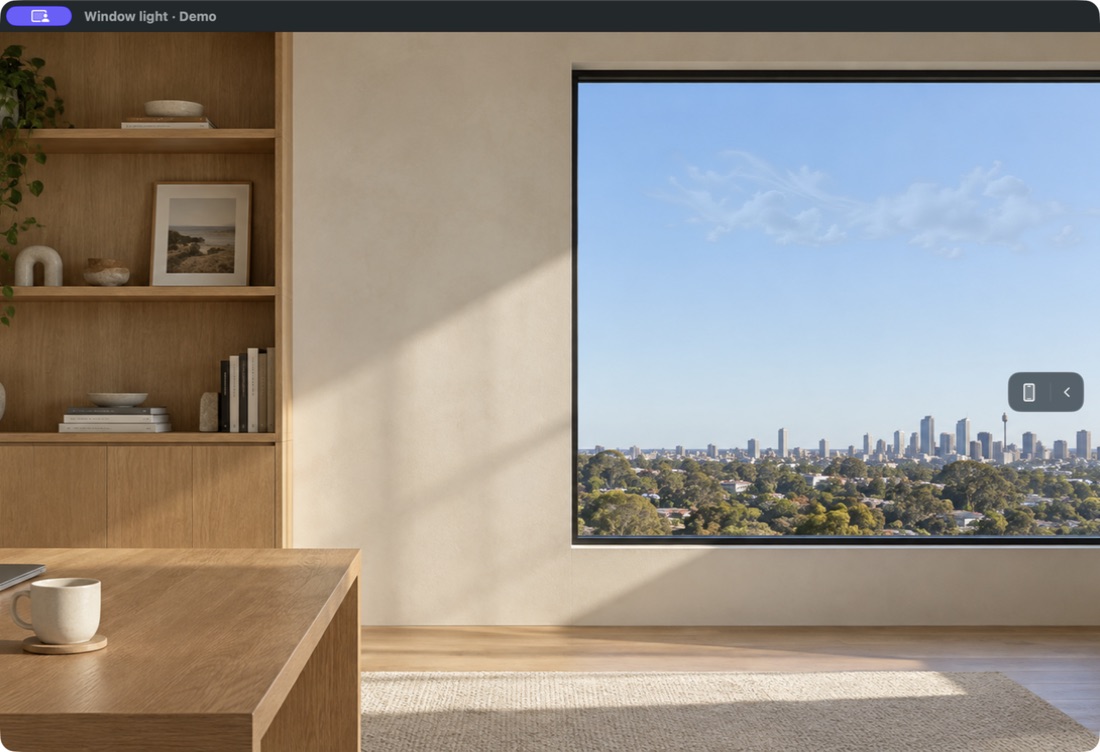
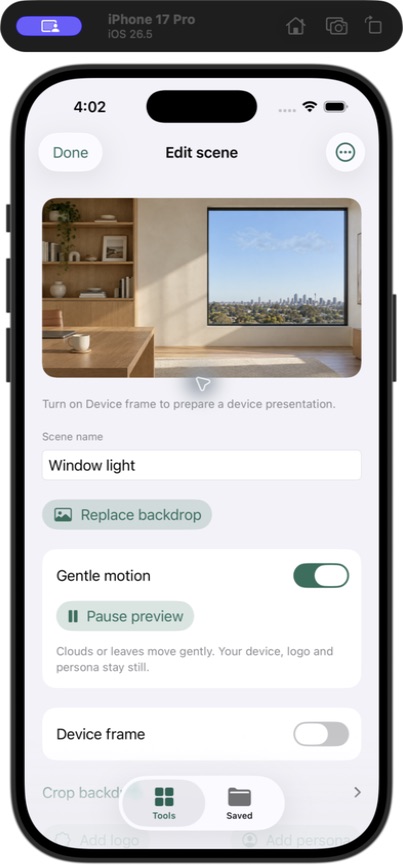
See the early image study
Source 48c00dc. Actual screenshots use disposable content; the phone shown is Simulator. No physical-phone, audience, paired-sync, battery or App Store result is implied.